Your first week in PsychLog
Last updated 11 September 2026
PsychLog is a logbook, so most of what you do here is the same four things every week: record your practice, record your professional development, record your supervision, and send the week to your supervisor to sign. This page walks through each one. Nothing here needs to be done in any particular order, and you can undo almost anything with Ctrl+Z.
Before you start: enter the hours you've already done
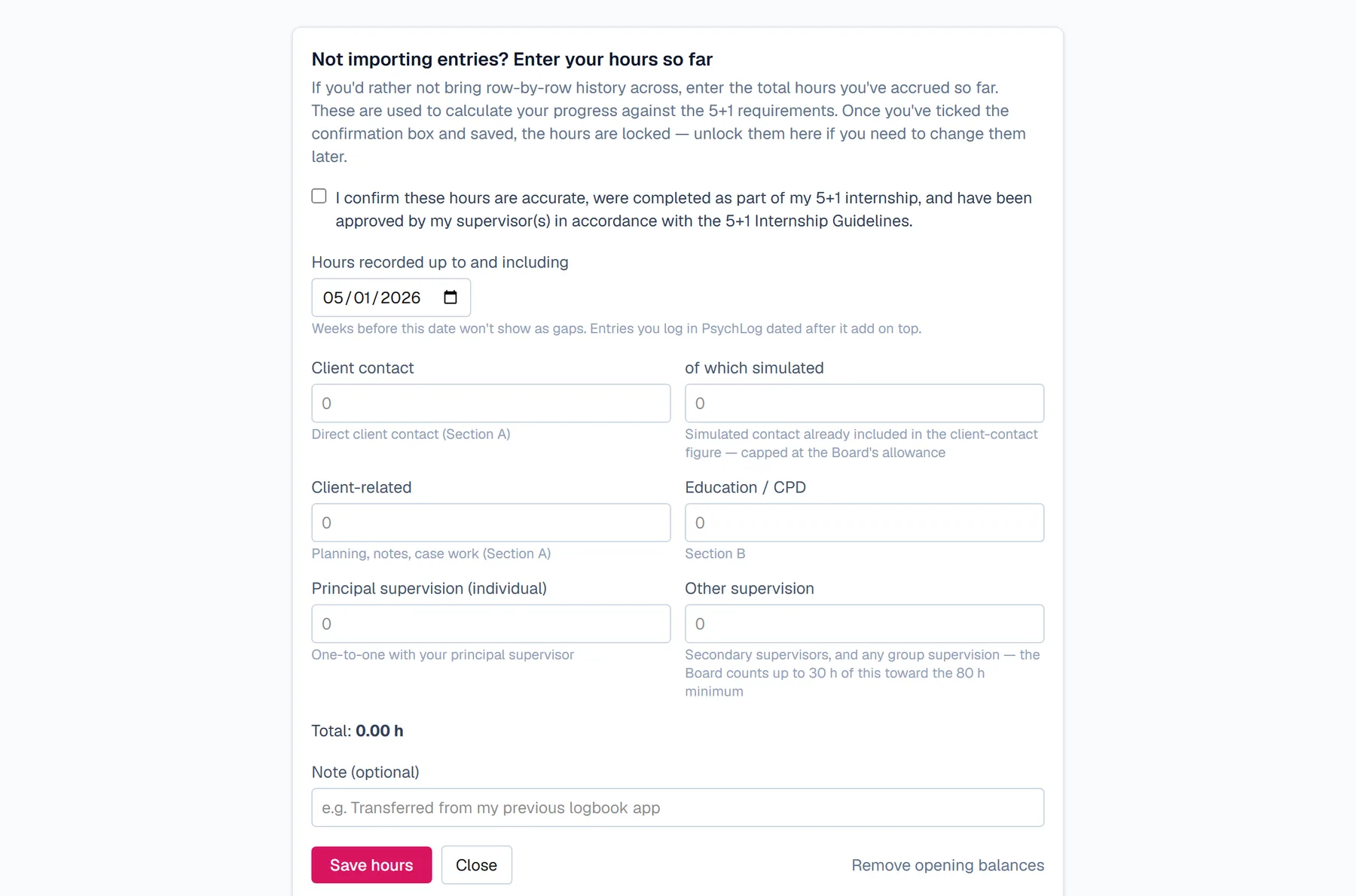
Open the Logbook, choose My Account > Import Your Logbook, then “Enter your hours so far”. Copy the totals from your most recent signed report into the boxes, tick the box confirming they're approved, and save. From then on, PsychLog counts your progress from those totals, so you never need to re-enter your history.
Recording your practice
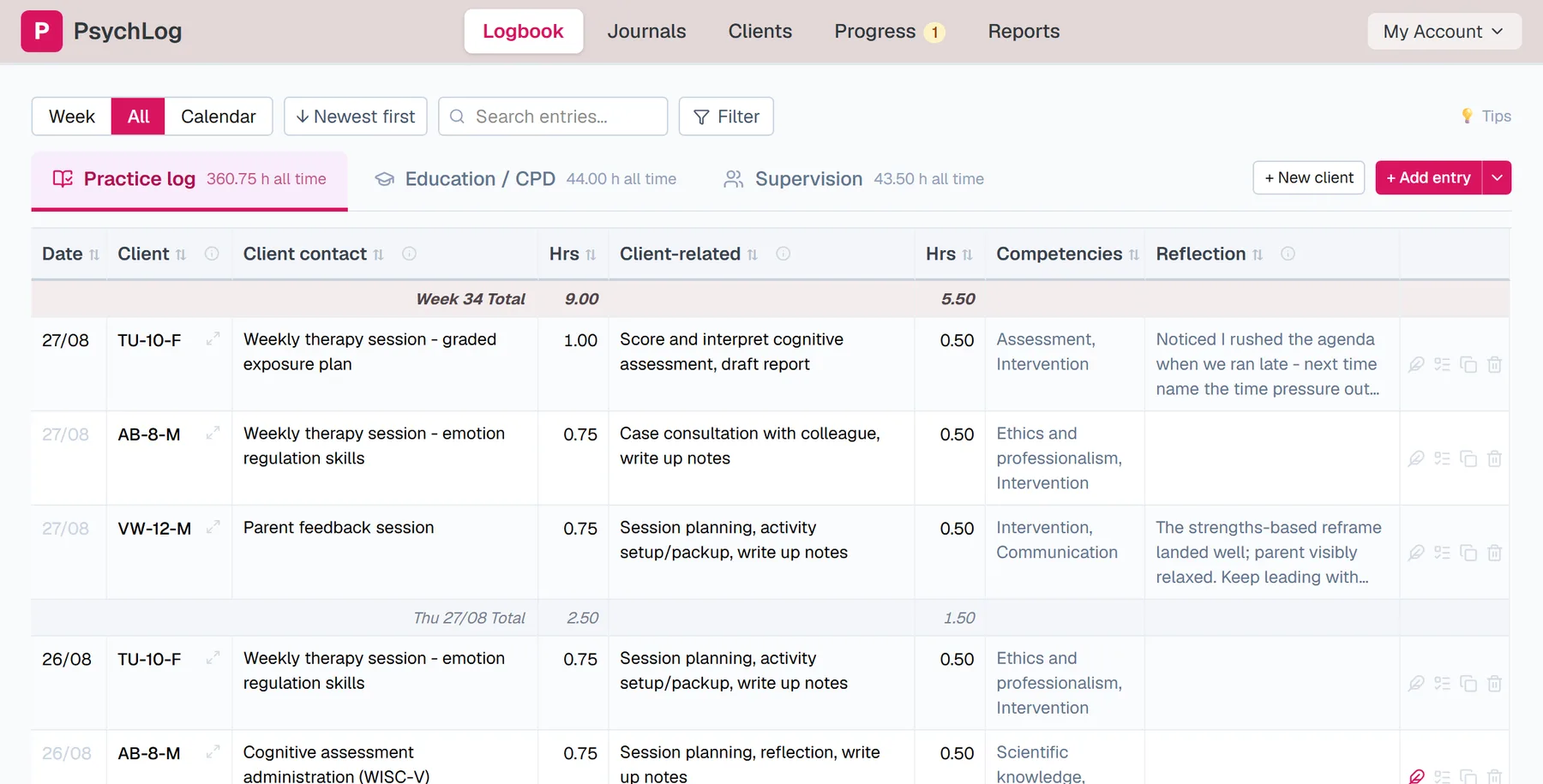
Select Logbook from the main navigation at the top of the screen. It has three tabs – Practice log, Education/CPD, and Supervision. The Practice log is the first tab. Click “Add entry” and a new row appears with today's date already filled in. Type the client's code, then a few words about what you did, then the hours. The Tab key moves you from one box to the next, and if you press Tab at the end of a row, PsychLog starts the next entry for you. As you type, it will offer phrases you've used before; pressing Tab accepts the suggestion, and simply continuing to type ignores it.
Recording your professional development
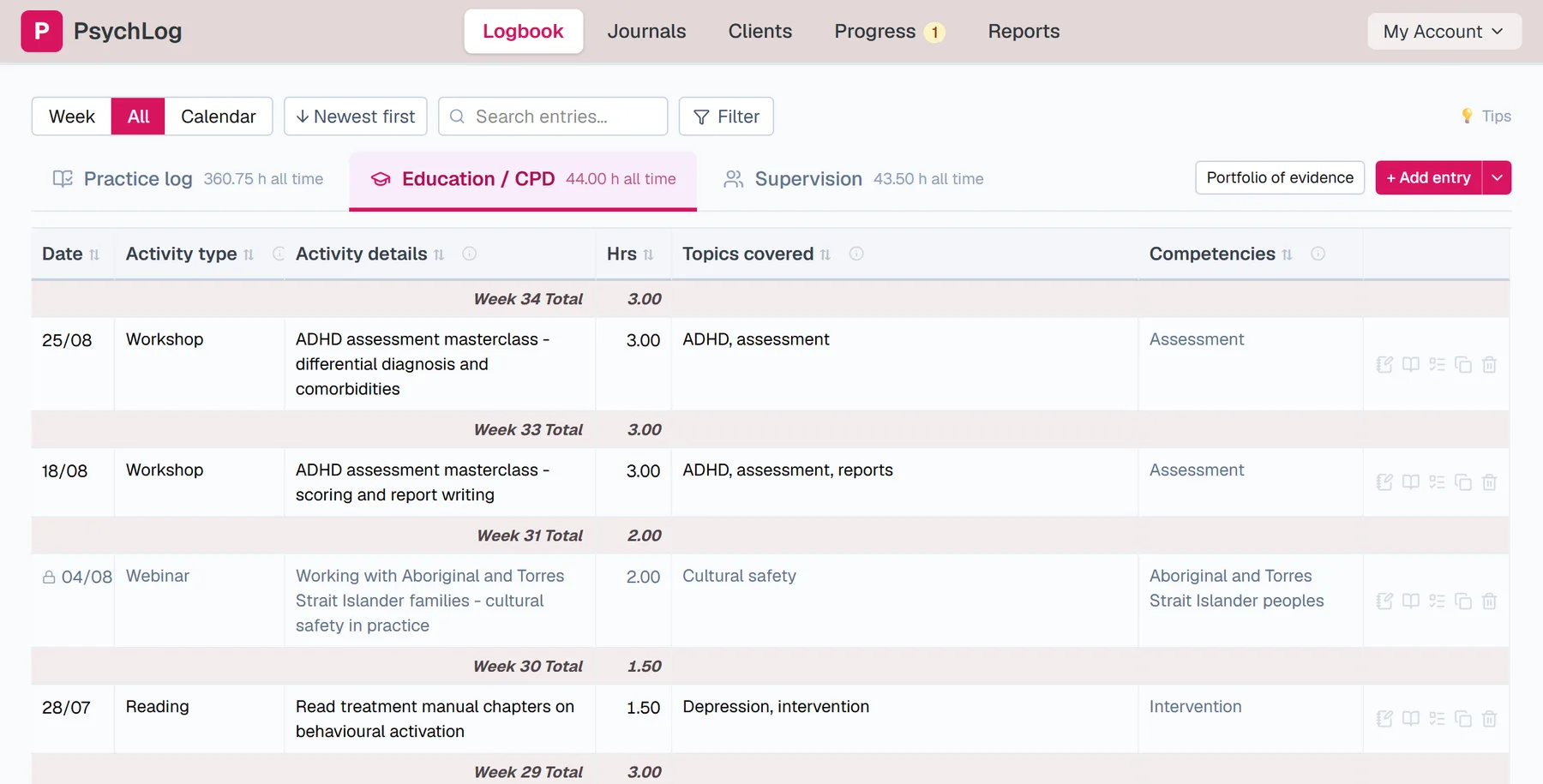
The Education/CPD tab works the same way. Click “Add entry”, then record the date, the type of activity (reading, a workshop, a webinar and so on), what it covered, and how long it took.
Recording your supervision
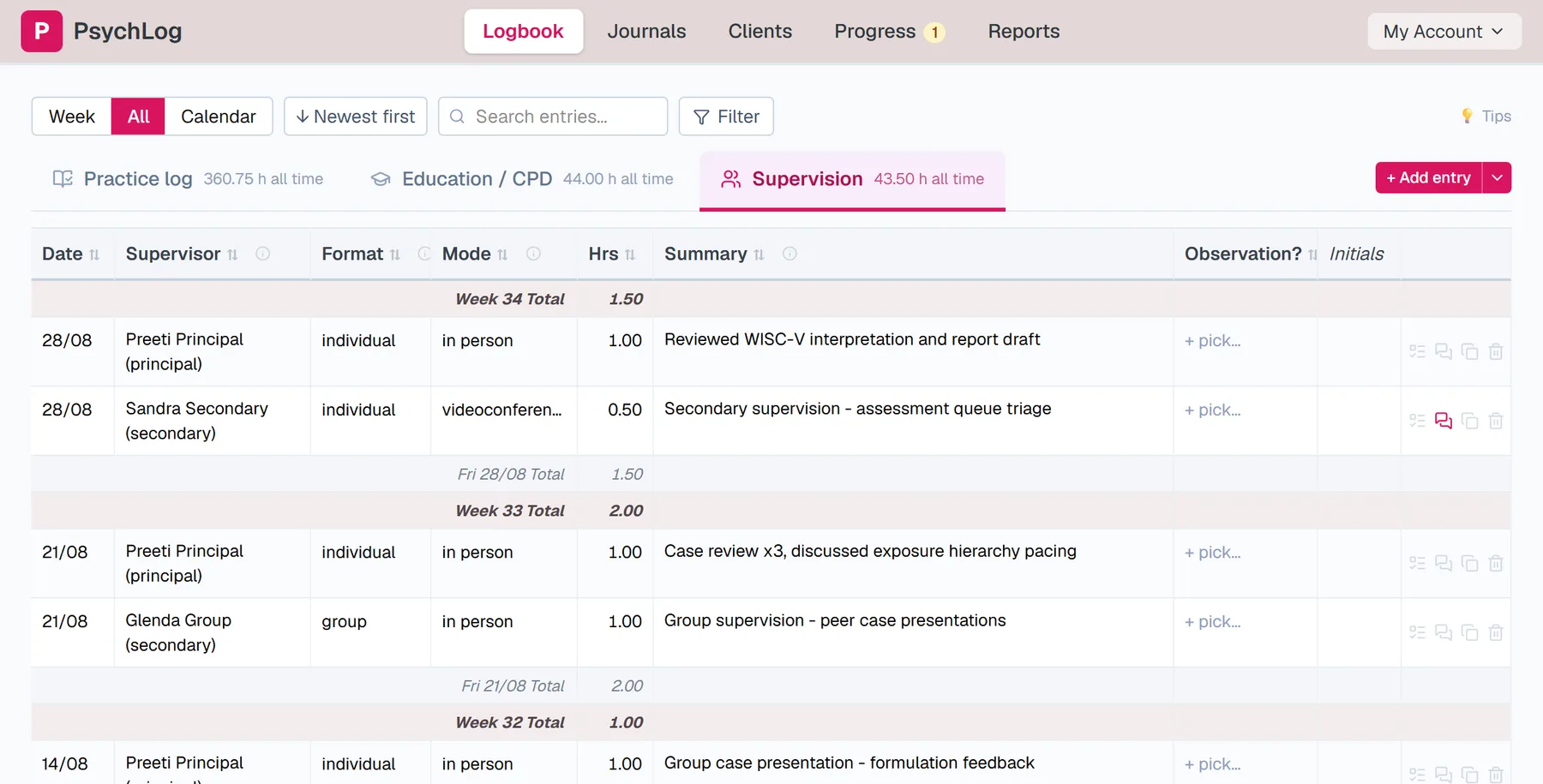
The Supervision tab is the third one. Add an entry for each session: the date, which supervisor it was with, whether it was individual or group, how it took place (in person, by video or by phone), how long it lasted, and a line or two about what you discussed.
Sending the week to your supervisor
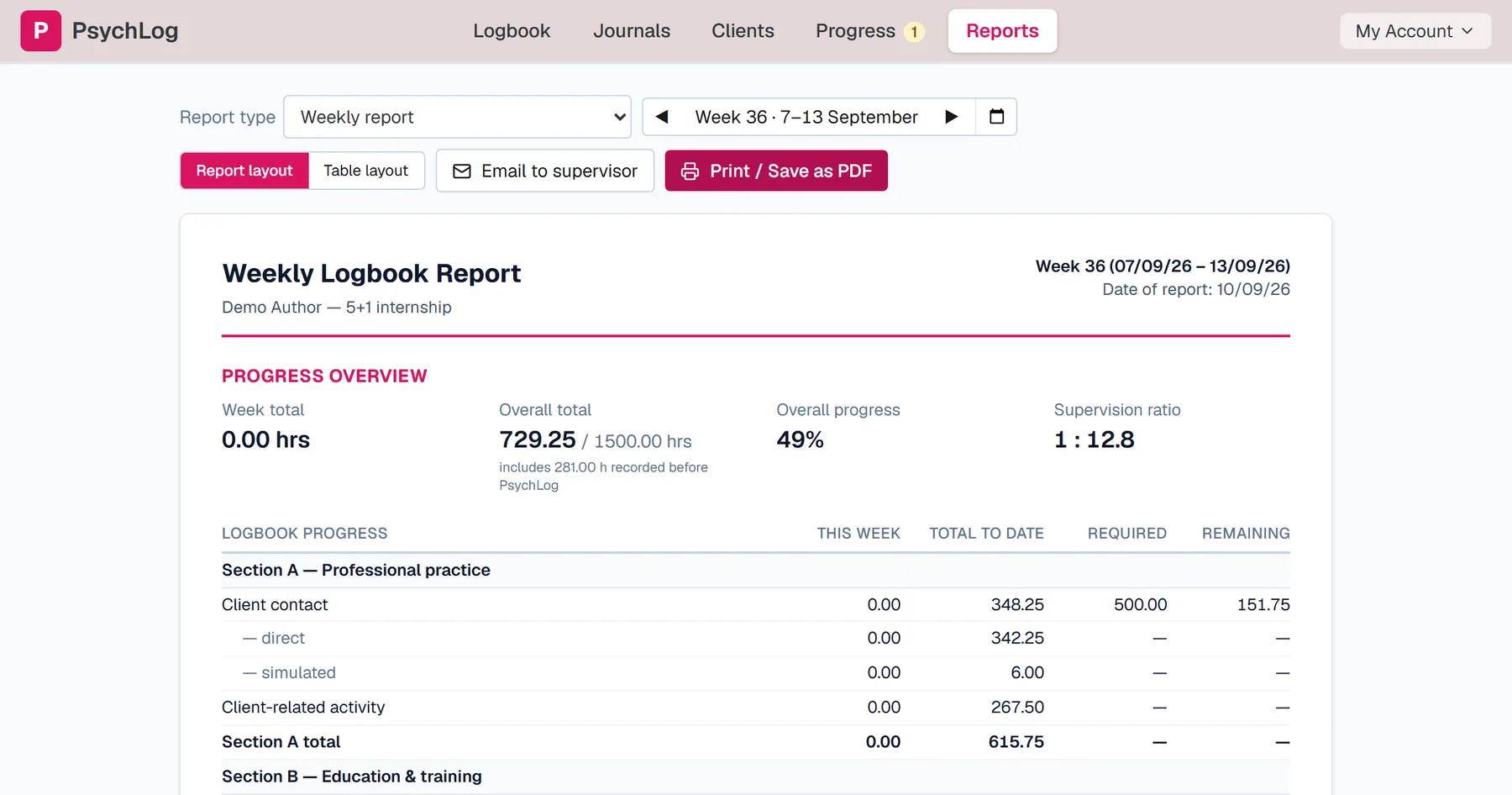
When the week is done, select Reports from the top of the screen. The current week is already selected. Choose “Email to supervisor” and enter your supervisor's email address. They receive a link, read the week's entries, and sign on the page; they don't need an account, and nothing needs printing. Once they've signed, their initials appear in your logbook automatically.
Two things that help
The Calendar view shows your whole month at once and highlights any weekday with nothing logged, which makes gaps easy to spot. And if anything is unclear, email hello@psychlog.com.au; Cathryn reads every message and will reply.